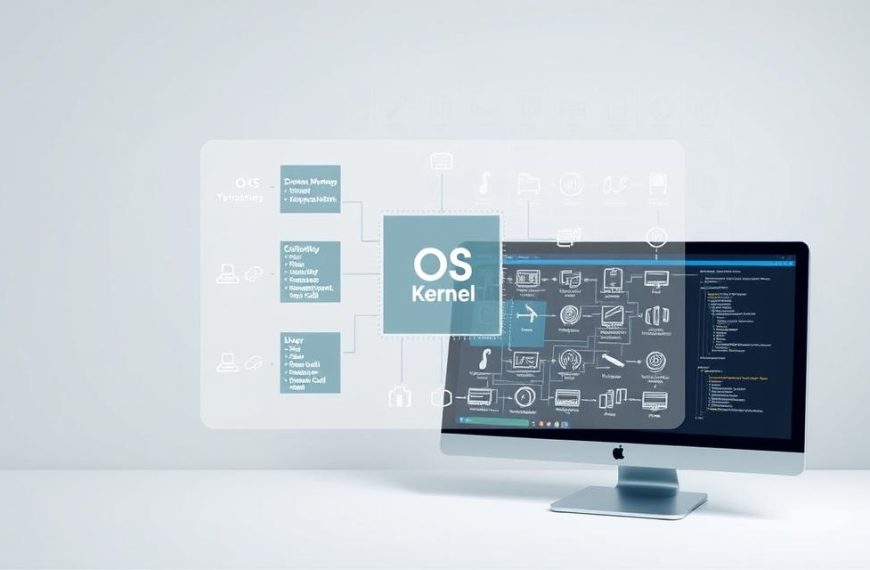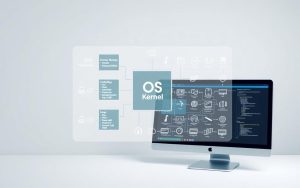
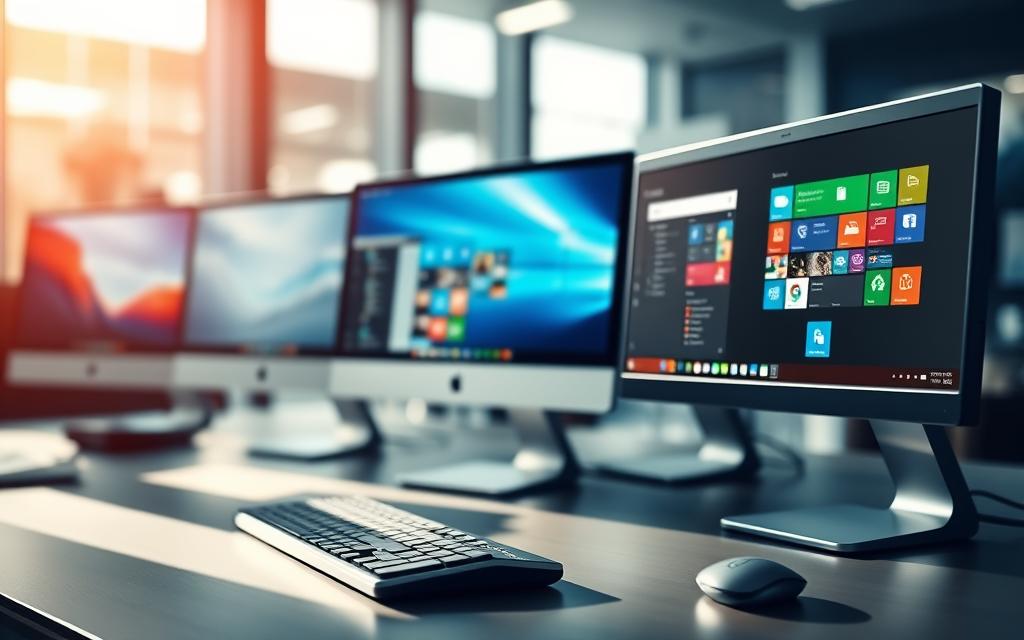

Every computer has a key programme at its core – the operating system. It acts as a bridge between us and the computer’s hardware. It handles all the important tasks without us even noticing.
An OS does many essential jobs. It manages memory, controls processes, and keeps things secure. It also makes sure the CPU and storage work well together. This lets apps run smoothly.
There are many categories of operating systems out there. Each one is designed for a specific use and environment. They cater to different needs and settings.
From common desktop OS to mobile ones and special ones, there’s a lot to learn. Knowing about these OS types helps us understand how our devices work. It shows us the wide range of computer operating systems today.
Understanding Operating Systems and Their Varieties
Operating systems connect computer hardware and user applications. They manage resources and offer essential services. These systems have grown from simple beginnings to complex tools we use today.
Core Functions and Purpose of Operating Systems
Modern operating systems have key functions of OS for smooth computer use. They work together to make computing stable and efficient.
The OS manages access to the CPU, memory, and storage for all programs. It controls how tasks are done based on priority and system needs.
Memory management is another important function. It decides how RAM and storage are shared among applications. The system also looks after devices like printers and keyboards.
Other key functions include:
- File management – organising and controlling data access
- Security – protecting against unauthorised access
- Error detection – finding and fixing system problems
- Job scheduling – sorting and running tasks
Historical Development of Computer Operating Systems
The history of operating systems shows how computing has evolved. Early systems used batch processing, running jobs without user input. This was common in the 1950s and early 1960s.
Then, multi-programming systems allowed many programs to run at once. This led to time-sharing systems, enabling users to interact and multitask.
The development continued through different eras:
- First-generation (1940s-1950s) – No operating systems, direct machine programming
- Second-generation (1955-1965) – Batch processing systems emerged
- Third-generation (1965-1980) – Multi-programming and time-sharing developed
- Fourth-generation (1980-present) – Personal computing and graphical interfaces
Classification Criteria for Different OS Types
Understanding OS classification helps find the right system for computing needs. Operating systems are grouped by key parameters that show their abilities and use.
Systems are divided by user support, with single-user and multi-user systems. Task handling also separates systems, with single-tasking and multi-tasking.
Processing capability is another criterion, with multiprocessing systems using multiple CPUs. Timing needs also differentiate systems, with real-time systems needing fast responses.
| Classification Criteria | Type 1 | Type 2 | Key Differences |
|---|---|---|---|
| Number of Users | Single-user | Multi-user | Simultaneous access capabilities |
| Task Handling | Single-tasking | Multi-tasking | Concurrent program execution |
| Processing Type | Uni-processing | Multiprocessing | Multiple CPU utilisation |
| Timing Criticality | General-purpose | Real-time | Response time guarantees |
This framework for OS classification helps understand how different systems meet various needs and requirements.
Microsoft Windows: The Mainstream Desktop Solution
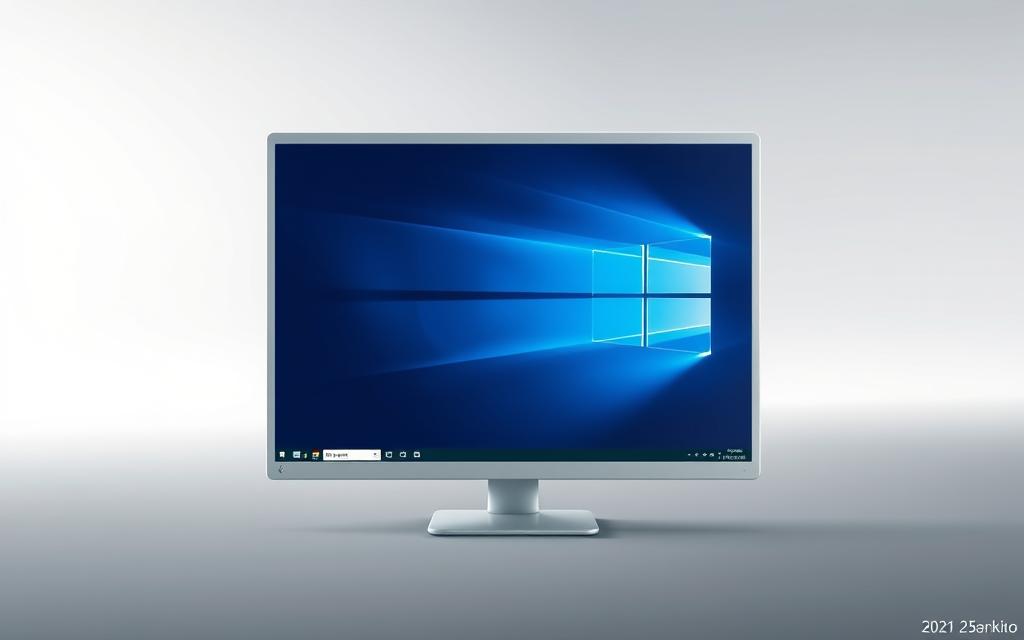
Microsoft Windows is the top desktop operating system, used by over 71% of personal computers worldwide. It has been the go-to choice for decades, thanks to its constant improvement and strong market position.
Architecture and User Interface Design Principles
The Windows OS has a hybrid kernel and a user-friendly interface. It focuses on making things easy to use by sticking to familiar visual patterns.
The Start menu, taskbar, and window management system are key parts of the interface. They work together to make using Windows easy, even for new users. The graphical user interface (GUI) is at the heart of Microsoft’s design.
Major Windows Versions and Their Market Impact
Windows has seen many important releases that have changed computing. Windows 95 introduced the Start button and taskbar, changing how we navigate the desktop.
Windows XP is often loved for its stability and wide hardware support. It showed Microsoft’s skill in creating lasting platforms.
Windows 7 improved on XP with better security and performance. Today, Windows 10 leads with 71% market share. Windows 11 is the latest version, with new looks and features.
Advantages and Disadvantages for Different User Groups
Microsoft Windows has benefits for different users. It’s known for its wide compatibility and support.
For home users, it’s great because it supports many devices and has lots of software. It’s also easy to set up on new PCs.
Business environments get tools for managing large groups and professional software. This makes it easy to deploy and manage.
But, Windows can be more vulnerable to malware than some other options. Some versions may have extra software that slows things down. Also, newer versions might not work well on older computers.
| User Group | Key Advantages | Potential Drawbacks |
|---|---|---|
| Home Users | Easy setup, game compatibility, familiar interface | Bloatware on some installations, security concerns |
| Business Users | Enterprise features, software support, management tools | Licensing costs, update management complexity |
| Developers | .NET framework support, Visual Studio integration | Resource intensive for development environments |
| Educational Institutions | Wide curriculum support, affordable education licenses | Older hardware compatibility issues |
The world of desktop operating systems keeps changing, but Microsoft Windows is always a key reference point. Its mix of ease of use and power keeps it relevant for all kinds of users.
macOS: Apple’s Ecosystem-Centric Approach
macOS is unique because it tightly links hardware and software. It comes on all Macs, giving users a unified experience. Even though it’s used by less than 10% of people, it has a loyal fan base.
Unix Foundation and Security Architecture
macOS is built on Unix technology, like Berkeley Software Distribution (BSD). This makes it stable and secure. It also meets POSIX standards, which means it works well with professional software and keeps data safe.
Apple has many ways to protect your Mac. These include:
- Gatekeeper checks software before you install it
- XProtect finds malware automatically
- System Integrity Protection stops hackers from changing important files
This strong security makes macOS much safer than other operating systems.
Hardware Integration and Performance Optimisations
Apple designs macOS for its own hardware. This makes your Mac run smoothly and efficiently. It’s all about giving you the best experience, whether you’re using a Mac, iPhone, or iPad.
Features like Handoff and Universal Clipboard show how Apple’s ecosystem works. You can start something on one device and pick it up on another. This is a big plus of using Apple products, as explained in this case study on Apple’s ecosystem strategy.
Target Audience and Professional Applications
macOS is great for certain users. Creative professionals love it for its power in graphics and video. It’s reliable and has tools that professionals need.
Here are some areas where macOS shines:
- Video editing and production software
- Graphic design and digital art applications
- Audio production and music creation tools
- Software development environments
Academics and researchers also prefer macOS. It’s good for science and research because of its Unix roots. It also has a strong development environment.
| Feature | macOS | Windows | Linux |
|---|---|---|---|
| Default Security Level | High | Medium | Variable |
| Hardware Integration | Excellent | Good | Variable |
| Creative Software Support | Excellent | Good | Fair |
| Enterprise Management | Good | Excellent | Good |
| Total Cost of Ownership | Higher | Medium | Lower |
macOS keeps improving while staying true to its values. It’s a top choice for professionals and creatives because of its security, performance, and ecosystem focus.
Linux Distributions: Open-Source Flexibility
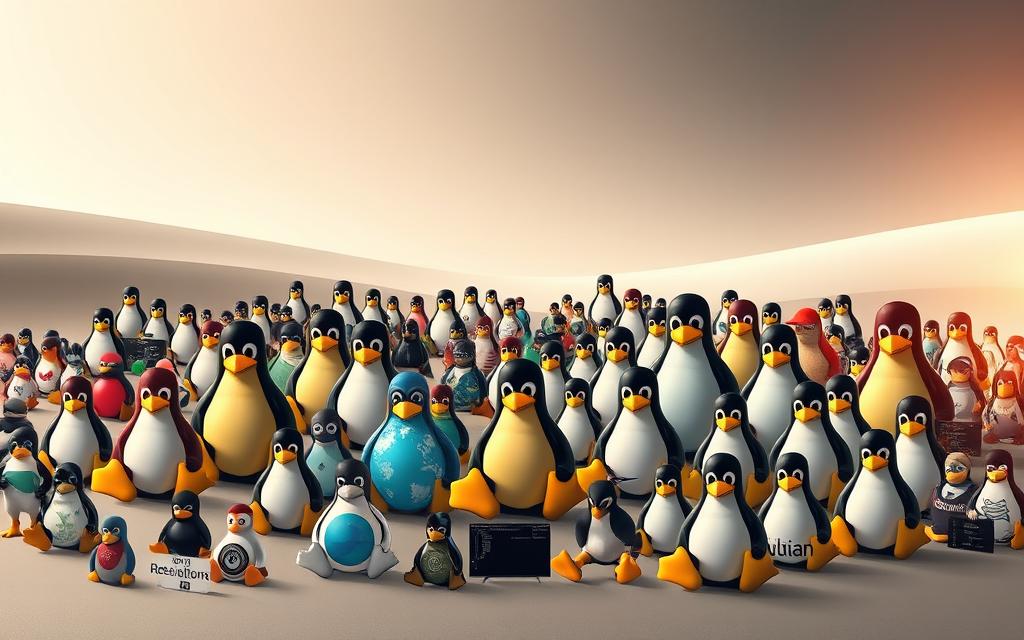
Linux is unique in the world of computer operating systems. It’s built on collaboration and freedom. Unlike others, Linux lets users change and share the software as they see fit.
Understanding the Linux Kernel and Distribution Model
At its heart, Linux is the kernel – the core program that manages hardware and system processes. The operating systems we know as Linux are made by combining this kernel with software packages. This creates different environments for various needs.
This model lets groups and communities create custom systems on a stable Linux base. Most distributions come with tools, desktops, and apps, ready to use.
“Linux is the ultimate playground for technical creativity, with freedom that proprietary systems can’t match.”
Popular Distributions: Ubuntu, Fedora, and Debian
There are hundreds of Linux distributions, but three stand out for their influence:
- Ubuntu: Known for being easy to use, Ubuntu is great for beginners moving from other systems
- Fedora:
Sponsored by Red Hat, Fedora focuses on new features and stability - Debian:
Debian is famous for its stability and quality. It’s the base for many distributions, including Ubuntu
| Distribution | Primary Focus | Best For | Package Management |
|---|---|---|---|
| Ubuntu | User Accessibility | Beginners & Desktop Users | APT (.deb packages) |
| Fedora | Innovation & New Features | Developers & Enthuasiasts | DNF (RPM packages) |
| Debian | Stability & Reliability | Servers & Critical Systems | APT (.deb packages) |
Customisation Options and Enterprise Usage
Linux distributions are powerful because of their customisation options. Users can change almost everything, from the desktop to the kernel. This makes Linux great for businesses.
Most servers run Linux because it can be customised for specific needs. It’s free, secure, and stable, making it top for server use.
Today, Linux runs most web servers, cloud platforms, and supercomputers. Its open-source model drives innovation and reliability for businesses.
Additional Operating System Categories
There are many operating systems beyond what we use on our computers. These systems are made for specific tasks and hardware. They can’t be replaced by general-purpose OSs.
Mobile Operating Systems: iOS and Android
The mobile OS changed how we use computers. Apple’s iOS is for iPhones and iPads. It’s known for being secure and easy to update.
Google’s Android is the most used mobile OS. It’s open-source, which means many devices can use it. This leads to a wide range of phones and tablets.
- iOS advantages: It offers a consistent user experience, regular security updates, and works well with Apple’s hardware.
- Android strengths: It lets users change how their phone looks and works. There are many devices to choose from, and apps are easy to find.
Embedded and Real-Time Operating Systems
Embedded systems run on specific hardware with little power. They power many things we use every day. Examples include:
- Smart home appliances
- Network routers
- Industrial controllers
- Internet of Things sensors
Real-time OSs focus on quick responses. They’re vital for things like medical equipment and planes. They make sure everything works as it should.
“Real-time systems transform computational predictability from luxury to necessity in critical applications.”
Specialised and Legacy System Environments
Network operating systems manage many computers at once. They’re used in big companies and data centres. Examples include Windows Server and Linux.
Distributed OSs combine many computers into one. This makes them great for big tasks. Legacy systems are used in places like banks and labs. They handle lots of tasks at once.
These systems show how OSs fit into different areas of technology. They’re not just for personal computers.
Conclusion
This summary of OS types shows how different operating systems are. Windows works well on many devices. macOS fits perfectly with Apple products. Linux lets users change their system a lot.
Mobile systems like iOS and Android run on our phones and tablets. Each system has its own role in the world of computing.
Choosing an operating system involves many things. The cost of software and hardware is important. It’s also key to think about how well it works with your current setup.
How easy it is to use affects your daily work. Security is also vital to keep your data safe. This comparison shows how each system handles these points in its own way.
The right operating system depends on what you need. If you work, you might want something stable and compatible. Developers like customisation and open-source options. For everyday users, ease of use and reliability are key.
Your needs should decide which operating system is best for you. This ensures you get the most out of your computer or device.

 By
By