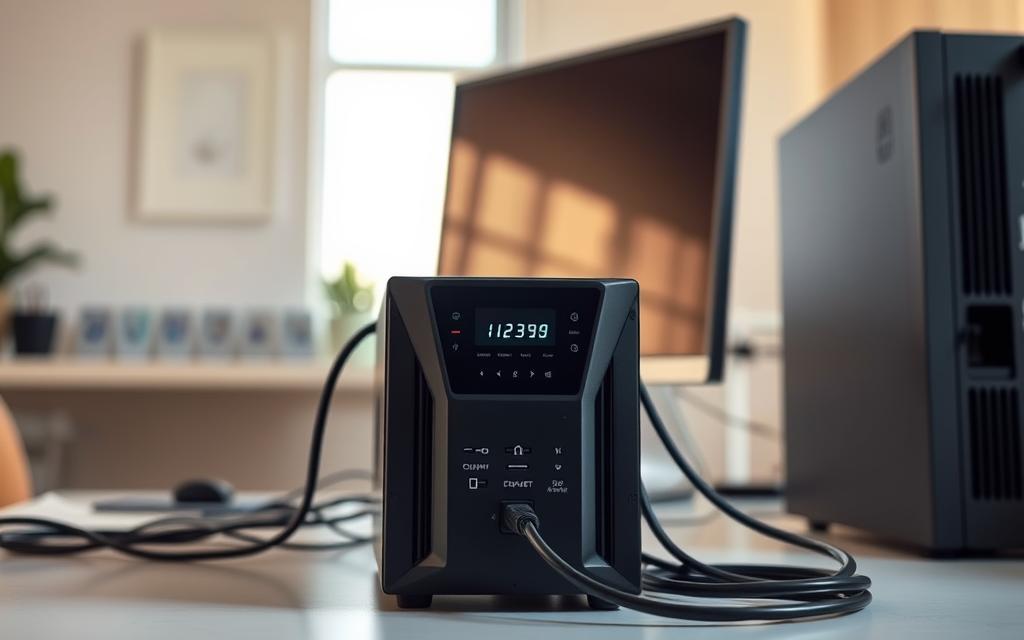

Modern computing needs reliable power protection more than ever. An uninterruptible power supply (UPS) is your first defence against power problems. These issues could harm your equipment or cause data loss.
These systems give you instant battery backup during power cuts. This lets your devices keep working smoothly. They also protect against sudden voltage spikes and changes.
Looking at ups system uninterruptible alongside which not operating system gives a clearer view of the wider topic.
The main job of a good computer UPS system is to keep the power going. This stops unexpected shutdowns and keeps your expensive hardware safe from damage.
This detailed UPS guide shows how these systems protect your tech investments. We’ll look at their key role in keeping businesses running during power issues.
Knowing about power backup solutions is key for anyone using electronic gear. The right setup can mean the difference between work without pause and expensive downtime.
Understanding What a Computer UPS System Is
Computer UPS systems protect against electrical problems that could harm data. They act as a buffer between unstable mains power and the steady power needed by sensitive electronics.
Definition and Primary Purpose
An uninterruptible power supply is a battery backup system with power conditioning. The UPS definition says it’s a device that gives emergency power when the main power fails.
Its main job is not just to provide backup power. It also filters the incoming power to remove harmful changes before they hit your equipment.
“A quality UPS doesn’t just provide power during outages—it continuously cleans and regulates electricity to prevent cumulative damage to sensitive components.”
UPS systems are key for critical computing needs. They ensure your devices keep running and stay safe from harm.
How It Protects Your Devices from Power Disruptions
Modern UPS units have many ways to protect against power problems. They handle different electrical issues that could harm your hardware or data.
They deal with voltage spikes, drops, frequency changes, and complete power losses. Each problem needs a special fix from the UPS.
| Power Disturbance Type | Potential Impact | UPS Protection Method |
|---|---|---|
| Voltage Surge/Spike | Component burnout, data corruption | Surge suppression, voltage clipping |
| Brownout (Voltage Sag) | System crashes, hardware stress | Voltage boost, battery supplementation |
| Electrical Noise | Data errors, performance issues | EMI/RFI filtering, isolation |
| Complete Blackout | Immediate shutdown, data loss | Instant battery switching |
This multi-layered approach ensures your equipment gets clean, stable power. The system acts fast, usually in milliseconds, to stop any power issues.
Advanced models have software for smooth shutdowns during long outages. This extra feature helps protect your data even after the battery runs out.
The Importance of a UPS for Computer Systems
Many focus on processing power and storage, but the real hero is consistent power delivery. Uninterruptible Power Supply systems are key. They make sure sensitive electronics get the power they need.
Preventing Data Loss During Power Failures
Sudden power cuts are a big threat to digital info. When power goes out, unsaved work is lost, and processes get damaged. This is why a good UPS system is so important.
Modern UPS units give enough time to finish important tasks or shut down safely. This protects files and keeps systems running smoothly.
Real-World Examples of UPS Benefits
Imagine a financial analyst working on reports when a storm hits. Their UPS gives them 15 minutes to save their work and close software safely.
In server rooms, UPS systems stop data damage during power outages. A hospital IT manager said:
“Our surgical scheduling system kept running during a three-hour blackout thanks to our UPS. Patient safety was never at risk.”

Shielding Hardware from Voltage Fluctuations
Power issues, not just outages, can harm computer parts. Small electrical problems can wear down devices and make them less stable.
Good UPS systems protect hardware with advanced filtering and conditioning. They shield sensitive electronics from unstable power.
Common Power Issues and Their Impacts
Many electrical problems can affect computers in different ways. Knowing about these issues helps see how UPS systems protect us.
| Power Issue | Definition | Potential Impact | UPS Protection |
|---|---|---|---|
| Power Surge | Brief voltage spike (nanoseconds) | Component burnout, data corruption | Voltage clamping, isolation |
| Brownout | Prolonged voltage drop | Hard drive crashes, file errors | Voltage boost, battery backup |
| Electrical Noise | High-frequency interference | System freezes, data errors | EMI/RFI filtering |
| Blackout | Complete power loss | Data loss, hardware damage | Instant battery switching |
Each power problem needs a special solution. Modern UPS systems offer these solutions. They ensure computers get stable power, no matter what.
Keeping power steady helps computer parts last longer. This means less need to replace them, saving money in the long run.
Types of Uninterruptible Power Supply Systems
Choosing the right UPS for your electronics is key. Each type offers different levels of protection. They vary in complexity and cost.
Standby UPS Models
Standby UPS systems are the simplest form of protection. They stay off until a power drop or outage happens. Then, they switch to battery power.
The switch time is usually 2-10 milliseconds. This makes them good for non-critical devices.
Best Uses and Limitations
These systems are great for home gadgets, desktops, and simple office gear. They’re cheap, making them popular for personal use.
But, they don’t protect well against power changes while using utility power. They don’t regulate voltage when not on battery.
“Standby UPS systems serve as an economical first line of defence against complete power failures.”
Line-Interactive UPS Systems
Line-interactive UPS systems use AVR technology. This lets them fix small power issues without using the battery.
They always check the incoming voltage and adjust as needed. They offer better protection than standby models.
Features and Typical Applications
Key features include:
- Voltage regulation without battery usage
- Longer battery life due to reduced switching
- Improved efficiency during normal operation
These systems are used for network gear, servers, and telecom equipment. They offer a good balance of performance and cost for businesses.
Online UPS Systems
Online UPS systems, or double-conversion UPS, offer the best protection. They convert AC to DC and back to AC, keeping equipment safe from the power source.
This double-conversion ensures clean, steady power. There’s no downtime during power changes because the battery is always on.
Advantages for High-Reliability Needs
Online UPS systems give full power conditioning and isolation. They protect against nine common power issues, including:
- Power failures
- Voltage sags
- Voltage surges
- Frequency variations
They’re vital for data centres, medical gear, and critical industrial needs. Though pricey, they ensure no downtime is acceptable.
| UPS Type | Protection Level | Typical Applications | Cost Factor |
|---|---|---|---|
| Standby UPS | Basic | Home electronics, desktops | Low |
| Line-Interactive UPS | Intermediate | Network equipment, servers | Medium |
| Online UPS | Maximum | Data centres, medical systems | High |
How a Computer UPS System Operates
Exploring how a UPS system works shows the advanced technology that guards your important devices. These systems use smart power management to keep things running smoothly, even when the power goes out.

Power Conversion and Backup Mechanisms
UPS systems use advanced power conversion to keep the electricity steady. They change the alternating current (AC) from the wall to direct current (DC) for the battery. Then, they change it back to AC for your devices.
This double change ensures your devices get clean, stable power. It also removes electrical noise and spikes that could harm your equipment.
Step-by-Step Process in an Outage
When the power goes out, the UPS system springs into action quickly. This change is so fast that most devices don’t even notice it.
- Power failure detection – Sensors spot when the mains power goes away
- Automatic switch engagement – The system cuts off from grid power
- Battery activation – DC power from batteries starts flowing to inverter
- Power conversion – Inverter changes DC battery power to clean AC output
- Continuous supply – Your equipment keeps getting electricity without interruption
This whole process takes just 2-8 milliseconds. It’s much faster than most computers can react. This quick action stops data loss and protects your hardware during power outages.
Key Components and Their Functions
Several key parts work together in a UPS system. Each part has a special job in keeping the power safe, from storing energy to controlling quality.
Battery, Inverter, and Control Systems
The battery is the heart of the UPS system, storing energy for emergencies. Modern systems use sealed lead-acid or lithium-ion batteries for quick use and recharge.
The inverter is the brain, changing DC battery power to usable AC electricity. Modern inverters make pure sine wave output, matching utility power quality.
Control systems watch over power conditions and manage everything automatically. They make quick decisions about switching power sources and how to work best.
“The beauty of UPS design is its ability to make complex power management decisions on its own, protecting silently all the time.”
| Component | Primary Function | Critical Features | Maintenance Requirements |
|---|---|---|---|
| Battery | Energy storage during outages | Capacity rating, discharge rate | Regular testing, replacement every 3-5 years |
| Inverter | DC to AC power conversion | Waveform quality, efficiency rating | Minimal maintenance needed |
| Control System | Monitoring and automation | Response time, sensor accuracy | Software updates, calibration checks |
| Transfer Switch | Source switching | Speed, reliability | Periodic functional testing |
These parts work together to offer a complete power protection solution. Regular upkeep keeps each part working well for the system’s whole life.
Knowing how these systems work helps users see the worth of their UPS investment. The advanced technology behind the scenes gives peace of mind, knowing your critical systems are safe.
Benefits of Implementing a UPS System
Getting a UPS system brings big benefits for places that rely on computers. It doesn’t just give backup power. It also keeps data safe and protects expensive equipment.
Ensuring Continuous Operation and Data Safety
UPS systems keep businesses running when the power goes out. They make sure systems keep working smoothly, even during outages. This stops data from getting lost or damaged.
Today’s UPS units also control voltage to keep electronics safe. They have smart features that show how power quality and system health are doing in real time.
Many companies have seen big improvements in efficiency with UPS. For example, a financial services firm cut data loss by 98% after getting a UPS.
A healthcare provider kept their systems running at 99.9% during storms. They saved a lot of money by not having to recover data, and paid off their investment in just 18 months.
Economic Advantages from Reduced Downtime
Power outages can really hurt a business’s bottom line. UPS systems help avoid these problems by keeping things running when the power is out.
UPS systems also help equipment last longer by protecting it from power damage. This means less money spent on replacing things and longer times between needing new IT gear.
To learn more about how UPS systems protect computer investments, check out our in-depth analysis of UPS benefits.
Cost-Benefit Analysis Over Time
Looking at the costs and benefits of UPS systems shows they’re a smart choice. Here are some key financial pluses:
- Not having to spend £3,000-£15,000 to recover lost data
- Less money spent on replacing damaged equipment
- Staying productive when power issues hit, unlike competitors
- Lower insurance costs because you’re taking steps to reduce risks
Most businesses see their UPS investment pay off in 2-3 years, just from saving on downtime. As systems get more reliable, the long-term benefits become even clearer.
Selecting the Appropriate UPS System
Choosing the right UPS system is key. You need to look at several important factors. This ensures your equipment is well-protected and your investment is worth it.
Determining Power Capacity and Runtime Needs
First, figure out how much power you need. Calculate the total wattage of your equipment and how long you want backup power to last.
Calculations for Wattage and Battery Life
Start by listing all devices you need to protect. Check each device’s power use in watts. Add these together to find your total load.
Then, add 20-25% to your total to account for future needs or power spikes. This gives you your minimum UPS capacity.
Next, think about how long you need your equipment to run during power outages. Basic shutdowns need 5-10 minutes, while longer operations might need 30 minutes or more.
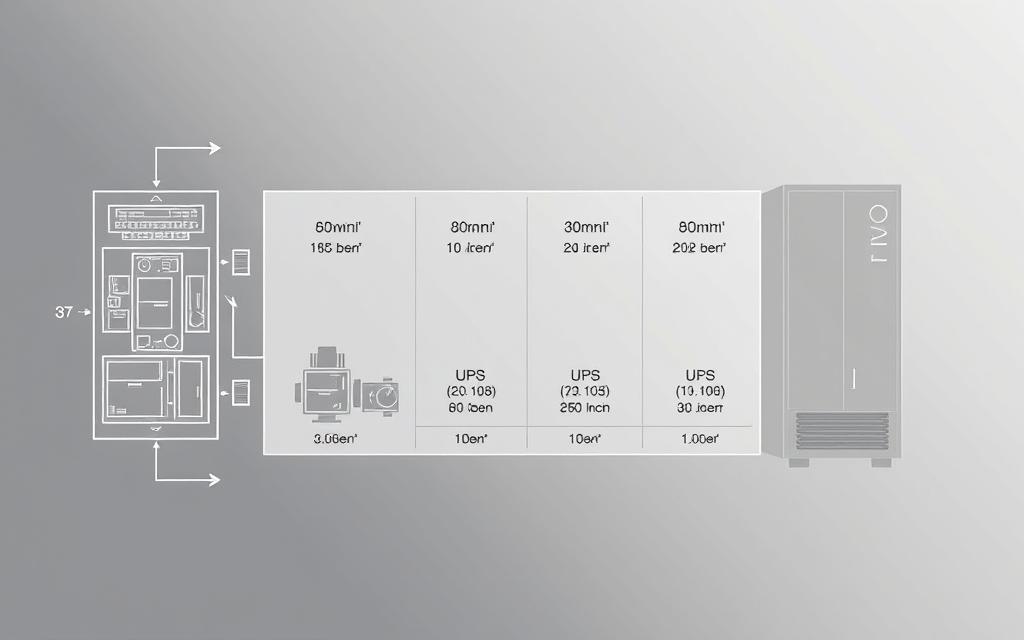
Remember, runtime goes down as load goes up. Most makers provide charts showing runtime at different loads. These charts help match battery size to your needs.
Recommended Brands and Specific Models
Many manufacturers offer reliable UPS systems. They have different models for various needs and budgets.
APC Back-UPS Pro, CyberPower OL1000, and Eaton 5S
Three models are top picks for their features, reliability, and value. Each meets different needs while providing essential power protection.
| Model | Capacity Range | Runtime at Half Load | Key Features | Best For |
|---|---|---|---|---|
| APC Back-UPS Pro | 700-1500VA | 15-40 minutes | Automatic voltage regulation, LCD display | Small offices and workstations |
| CyberPower OL1000 | 1000VA/900W | 20 minutes | Pure sine wave output, Ethernet protection | Sensitive electronics and servers |
| Eaton 5S | 550-1500VA | 10-30 minutes | Compact design, energy-saving mode | Home offices and retail environments |
The APC Back-UPS Pro series is great value. It has strong features for typical computing needs. Its automatic voltage regulation handles small changes without using battery power.
CyberPower’s OL1000 model is key for sensitive server equipment. It has pure sine wave output, which is important for modern power supplies. This ensures it works well with active PFC power supplies.
Eaton’s 5S series is known for its compact design and reliable performance. Its energy-saving mode cuts down on electricity use when equipment is in standby.
Each model is a strong choice in its category. Your choice should match your power needs and desired runtime.
Installing and Maintaining Your UPS System
Installing and maintaining your UPS system right is key to its performance and life. Follow the manufacturer’s guidelines to ensure it works well when you need it. This way, your system will protect your equipment reliably.

Setup Instructions and Safety Measures
Start by reading the manual carefully. Each UPS model has its own setup needs. Always focus on electrical safety during installation.
Proper Connection and Placement Tips
Put your UPS in a cool, dry spot with good air flow. Avoid sunlight and dust. Make sure it has enough space around it for air to move.
Connect important devices directly to the UPS. Use surge-only ports for less critical items. Use the right cables and don’t overload the circuits.
Here are some tips for placing your UPS:
- Keep it away from heat and moisture
- Place it on a stable, flat surface
- Make sure it’s easy to get to for upkeep
- Manage cables well
Maintenance Practices for Long-Term Use
Regular UPS upkeep stops sudden failures and makes it last longer. Set up a schedule for checks and tests.
Do these checks every month:
- Look for damage or leaks
- Check air flow
- Test the alarm
- Check the output voltage
Battery Care and Replacement Schedules
Looking after your UPS batteries is very important. Most UPS use lead-acid batteries that need special care.
Calibrate your batteries every three to six months. Let the UPS run on battery until it’s low, then recharge fully. This keeps your runtime estimates right.
Batteries usually need replacing every 3-5 years, depending on use and environment. Keep track of when you installed them and how they’re doing. This helps you know when to replace them.
Here are some battery care tips:
- Check the battery temperature often
- Keep batteries charged when you can
- Replace all batteries at once
- Dispose of old batteries safely
By installing and maintaining your UPS correctly, it will be ready for power cuts. Follow these steps to keep your investment safe and ensure reliable power protection.
Conclusion
This detailed UPS summary shows how vital uninterruptible power supply systems are. They protect computer gear by giving backup power when it’s needed. They also keep the voltage stable and clean the electrical pollution.
The benefits of UPS systems are clear. They keep data safe and extend the life of your equipment. They stop data loss and damage from power cuts. Today’s UPS units can monitor themselves in real-time.
For longer power needs, think about using portable power stations with your UPS. These can give extra power during long power cuts. They keep your devices safe.
Choosing the right UPS is key, based on your power needs. Keeping your UPS in good shape is important. It makes sure your system works well and lasts longer. The right UPS gives you peace of mind and keeps your systems running smoothly.

 By
By