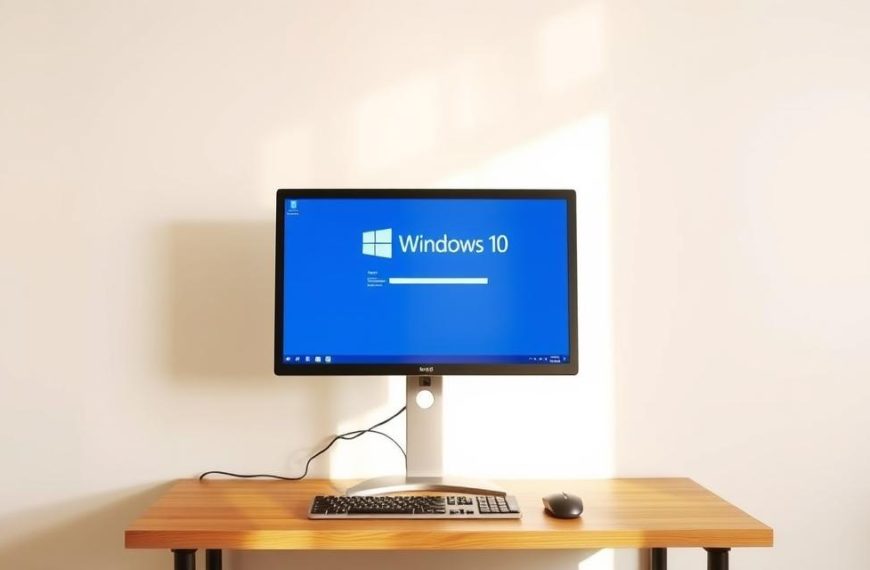


Many people don’t understand basic software concepts. They often get confused about what makes up an operating system and other programmes.
These OS misconceptions cause confusion about how our devices work. Many think applications and platforms are the core system software. This leads to widespread confusion.
Knowing the right operating system definition is key for everyone. It’s essential for managing and securing our devices properly.
This computer system software controls hardware and offers services for programmes. Unlike apps that do specific jobs, the OS connects us to our machines.
Understanding Operating Systems: Core Functions and Characteristics
An operating system acts as a bridge between human commands and machine operations. It manages all hardware components and provides essential services to applications. Unlike other software, an OS runs continuously, controlling every computer function.
Defining an Operating System’s Essential Role
An operating system’s main job is to manage resources. It controls memory, processor time, storage, and devices. It ensures applications run smoothly together.
It also handles security and user permissions. The system keeps data safe and manages user access. These core responsibilities make an OS different from other software.
Key Components That Make Up a True Operating System
True operating systems have many parts working together. They handle hardware interactions and user requests. Each part is essential for system stability and performance.
Kernel and System Services
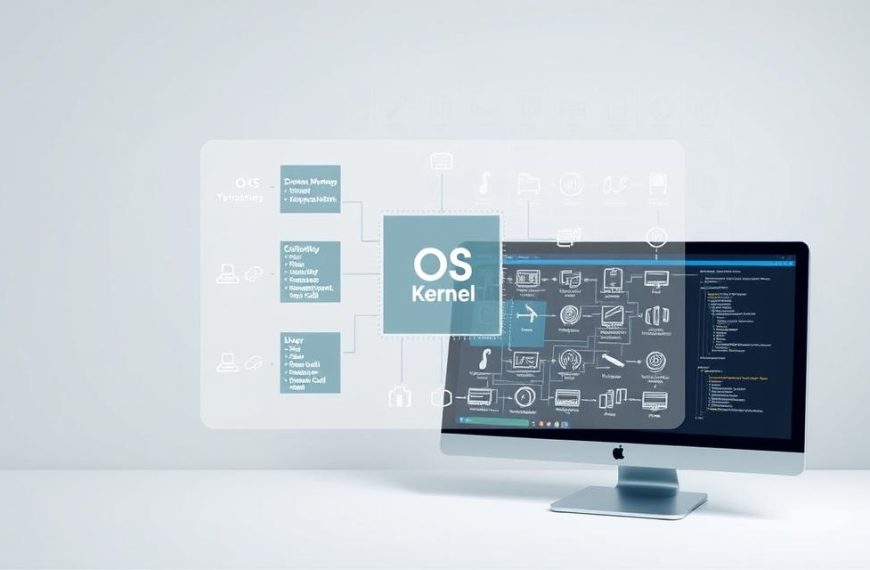
The kernel is the heart of an OS, dealing with low-level tasks. It manages memory, scheduling, and device drivers. OS kernel functions run in the background, unseen by most users.
System services add higher-level functions. They handle file management, network, and error handling. Good system services management ensures all applications work well.
Operating systems offer different user interface types for interaction. GUIs use windows, icons, and menus for visual navigation. CLIs are for text-based control, ideal for advanced users.
Managing applications is another key role. The OS loads, runs, and monitors software. It also handles installation, updates, and removals through package managers.
Modern OSs support multitasking with advanced scheduling. They quickly switch between apps, making it seem like everything runs at once. This complex coordination sets true OSs apart from simpler software.
Common Software Often Mistaken for Operating Systems
Many people mix up everyday apps with operating systems. This mix-up happens because we use these apps a lot. It makes us think they are the base of our computers.
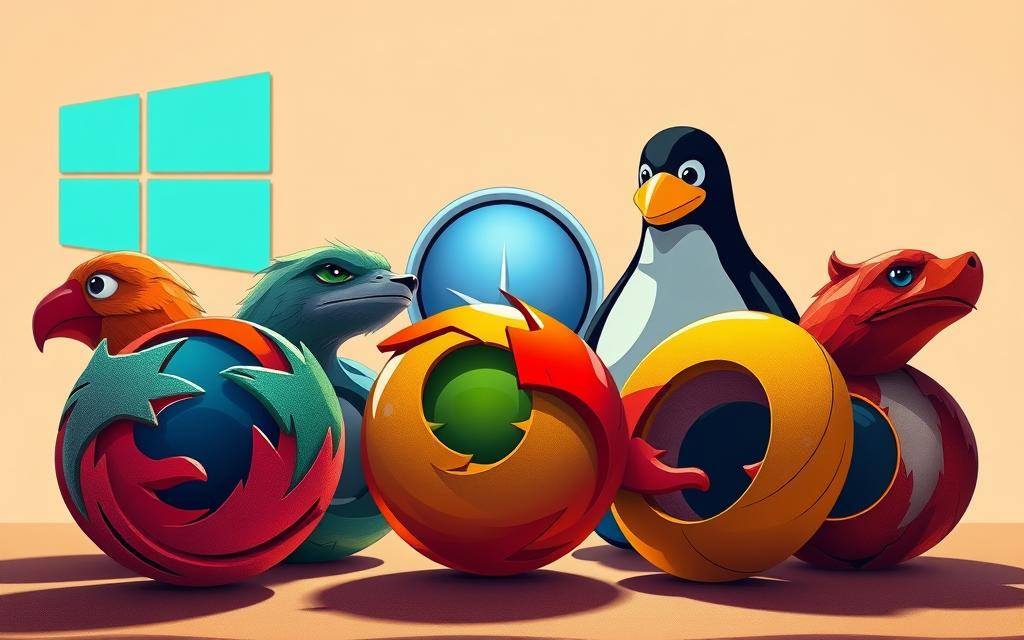
Web Browsers: Chrome, Firefox and Edge
Web browsers like Google Chrome, Mozilla Firefox, and Microsoft Edge are used by many. They are always there when we go online. This makes us think they are like operating systems.
Why Browsers Are Applications, Not Operating Systems
Web browsers are made for one thing: to show us the internet. They need an operating system to work. This system manages the computer’s parts and services.
Browsers can’t do things that operating systems can. They can’t:
- Manage hardware components directly
- Allocate system memory independently
- Control processor scheduling
- Provide file system management
This shows why web browsers vs OS is not the same. Browsers help us get online, but they don’t control the whole computer.
Office Suites: Microsoft Office and LibreOffice
Productivity suites like Microsoft Office and LibreOffice are often misunderstood. They are application software examples that work on top of an operating system.
The Application Software Distinction
Office suites are great for making documents, analysing data, and creating presentations. They are tools for specific tasks, not for running the computer.
Even though LibreOffice is free, it’s not the operating system. Both paid and free versions are applications, not system software.
They need an operating system to work. This shows they are tools, not the base of the computer.
Media Players: VLC, Windows Media Player
Media players like VLC Media Player and Windows Media Player play audio and video well. Their special job sometimes makes us think they are more than they are.
Specialised Software Versus System Software
These players focus on playing media. They use special tools for this job. They don’t manage the computer like an operating system does.
Media players are made for one thing: playing media. They use the operating system’s features but don’t replace them. They handle media, not the computer’s parts or resources.
This makes them useful for a specific task. But they are not like operating systems.
Platforms and Environments Frequently Misidentified
Many computing platforms and environments are often mistaken for operating systems. They work closely with operating systems or create environments for multiple OSs. This leads to confusion about their true nature.
Virtual Machines and Hypervisors
Virtualisation technology creates simulated computer environments. These can run multiple operating systems on one physical machine. This often causes misunderstandings about what is an actual operating system.
VMware, VirtualBox and Their Relationship to OS
Virtual machine software like VMware and VirtualBox act as hypervisors or virtualisation platforms. They create isolated environments that mimic physical hardware. This allows different operating systems to run together.
These platforms manage resources between virtual machines. But they rely on the host operating system for direct hardware communication. They don’t handle device drivers or provide fundamental system services directly.
The relationship between virtualisation software and operating systems is symbiotic. The host OS provides the foundation. The virtual machine software creates containers for guest operating systems to operate within.
Programming Environments: Java Virtual Machine
Development platforms are often confused with operating systems. The Java Virtual Machine is a prime example of this.
How JVM Differs from Actual Operating Systems
When properly JVM explained, it’s clear it’s an execution environment, not an operating system. The Java Virtual Machine provides a runtime environment for Java bytecode. It abstracts underlying hardware differences.
Unlike operating systems, JVM doesn’t manage hardware resources directly. It operates atop an existing OS. It handles memory management and execution within its sandboxed environment while relying on the host system for fundamental operations.
“The JVM creates a consistent execution environment across platforms, but it remains dependent on the underlying operating system for resource management and hardware interaction.”
This distinction shows how programming environments complement, not replace, operating systems. They provide specialised functionality while operating within the constraints of a host OS.
Cloud Platforms: AWS, Azure Console
The rise of cloud computing platforms has added complexity in understanding what constitutes an operating system. These services provide infrastructure and platforms, not operating systems themselves.
Infrastructure Versus Operating System
Major cloud computing platforms like AWS and Azure offer infrastructure services. These may include operating system instances. But the platforms themselves are not operating systems. They are management consoles for provisioning and managing cloud resources.
These platforms provide tools for deploying and managing virtual machines running various operating systems. They handle resource scaling, networking, and storage at the infrastructure level. The actual operating systems run within provisioned instances.
The fundamental difference lies in scope and function. Cloud platforms manage infrastructure resources across data centres. Operating systems manage resources within individual computers or virtual instances.
Understanding this distinction clarifies why cloud platforms, despite their complexity and capability, don’t qualify as operating systems in the traditional sense.
Which is not an operating system in computer: Clear Examples
Many people get confused about what is and isn’t an operating system. This section will show you what doesn’t count as an operating system. It aims to clear up common misunderstandings in computer terms.
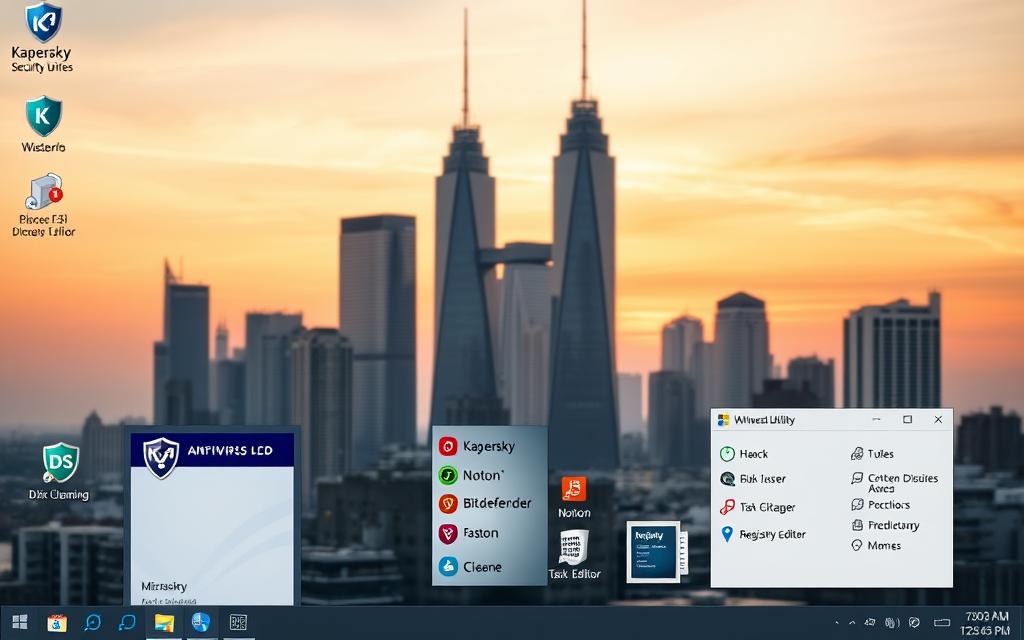
Antivirus Software: Norton, McAfee
Security apps like Norton and McAfee are key antivirus programmes. They work inside an existing operating system. These tools protect against malware but don’t handle hardware or system services.
Security Applications Running on Operating Systems
Antivirus software acts as a shield above the operating system. It scans files and detects threats. But it relies on the OS for access to hardware and system operations.
Utility Programmes: CCleaner, Defrag Tools
System utility tools like CCleaner and disk defragmentation tools help keep computers running smoothly. They do specific tasks but aren’t full operating systems.
System Maintenance Versus System Operation
Utility programmes focus on tasks like cleaning files or fixing errors. They work under the OS but don’t manage all hardware and software like operating systems do.
“Utility software serves specific purposes within an existing operating system framework, not as the main platform itself.”
Firmware and BIOS/UEFI
The firmware vs OS debate is about startup versus ongoing operation. Firmware is software in hardware, and BIOS/UEFI start the system before the OS loads.
Pre-Boot Environment Differences
BIOS and UEFI start the system. They initialise hardware and get ready for the OS. This is different from operating systems that manage the computer’s ongoing use.
| Component Type | Primary Function | Operation Level | Examples |
|---|---|---|---|
| Antivirus Software | Security Protection | Application Level | Norton, McAfee |
| System Utilities | Performance Optimization | Maintenance Level | CCleaner, Defrag Tools |
| Firmware/BIOS | Hardware Initialization | Pre-Boot Level | UEFI, System BIOS |
| Mobile App Stores | Application Distribution | Service Platform | Google Play, iOS App Store |
Mobile Applications and App Stores
Places like Google Play Store and iOS App Store are for apps, not operating systems. They let users find and install apps but work within their OS.
iOS App Store and Google Play Store Clarifications
App stores help find, install, and update apps. They’re services within mobile OSes, not operating systems. This confusion comes from their importance in the mobile world but their reliance on the OS.
Knowing these differences helps users understand how different software works together in their computers.
Conclusion
Understanding what an operating system (OS) does is key to using computers well. This article has given a clear summary of what an OS is. It shows that systems like Windows, macOS, and Linux manage the basics of hardware and software.
We’ve also made it clear that an OS is different from applications, platforms, and utilities. Programs like web browsers, office suites, and antivirus software have their own roles. But they are not operating systems.
By clearing up these misconceptions, users can make better choices. Knowing the truth helps avoid mistakes and keeps systems safe. This knowledge is important for both personal and professional use of computers.

 By
By