

Modern calculators have changed a lot. They now use mathematical software for complex tasks.
This tech is called a computer algebra system. It lets devices do symbolic computation like humans do.
Unlike regular calculators, these systems work with symbols and variables. They can make expressions simpler, solve equations, and do algebra.
This is a huge step forward. It turns a simple calculator into a powerful math tool.
What Is a Computer Algebra System for a Calculator?
A computer algebra system is a big step forward in calculator tech. It turns simple number crunchers into smart math tools. Unlike old calculators, CAS-enabled ones can handle math symbols and expressions.
Understanding the Basics of CAS
At its heart, a computer algebra system uses smart software to work with math symbols. It lets calculators do things that needed human brainpower before.
This system uses math rules to change expressions, not just numbers. It’s great for:
- Making complex math simpler
- Solving equations with symbols
- Breaking down and putting together expressions
- Working with exact fractions and radicals
This makes CAS calculators much more powerful than regular ones. They offer amazing math abilities right in your hands.
Symbolic Computation vs. Numerical Methods
The main difference is how they handle math. CAS calculators work with symbols, while others use numbers. Symbolic computation keeps math expressions exact.
Numerical methods use approximations and numbers. They’re good for many tasks but can lose some precision.
Symbolic computation keeps math relationships exact. It lets calculators do algebraic operations that needed human thought before.
- Keeping √2 as a symbol, not 1.414
- Keeping fractions exact, not as decimals
- Working with variables without numbers
This way, calculators can do math that used to need human help. It makes math easier and more precise.
How Computer Algebra Systems Function
Computer algebra systems mix advanced math with powerful computing. They use algorithms for symbolic manipulation, not just numbers. These systems are either for specific math areas or can do many math tasks.
Algorithms and Rule-Based Processing
The heart of CAS is in algorithmic frameworks that work on math expressions. They use pattern matching and rules to transform math. This is done by rule-based engines that find patterns and apply rules.
These CAS algorithms are made for tasks like working with polynomials and rewriting expressions. The work on these algorithms in the late 20th century made computer algebra a unique field in math.
Rule-based processing lets the system:
- Find equivalent math forms
- Use standard math identities
- Change expressions into simpler forms
- Do math symbolically, not just numbers
Steps in Symbolic Maths Execution
Symbolic math execution has a clear sequence of mathematical computation steps. It starts with parsing the input and ends with showing the result. This turns raw math into clear symbolic results.
The steps are:
- Input parsing – The system understands the math expression
- Expression analysis – It finds out what the math parts are and how they relate
- Rule application – It uses the right rules based on the expression type
- Simplification – It makes the expression as simple as possible
- Output generation – It shows the final symbolic result
This method keeps algebraic operations precise and shows results clearly. It’s impressive how these systems work well on calculators, even with limited space.
Importance of CAS in Calculator Technology
Computer Algebra Systems have changed how we do math on handheld devices. They’ve made calculators more than just simple tools. Now, they help us solve complex math problems.
Evolution of Calculators with CAS
The first CAS calculators were introduced in 1987 by Hewlett-Packard. Their HP-28 series was a big step forward. It showed what calculators could do.
Soon, other companies like Texas Instruments and Casio joined in. They made calculators like the TI-89 and CFX-9970G. These early models helped shape today’s CAS calculators.
Today’s calculators are much better than the first ones. They can do more and faster. They also have better memory and are easier to use.
- Enhanced processing speeds for complex operations
- Improved memory capacity for handling larger expressions
- Intuitive user interfaces for better accessibility
- Integration with graphical displays for visual representation
Enhancing Mathematical Problem-Solving
CAS technology has changed how we solve math problems. It lets us work with symbols, not just numbers. This opens up new ways to explore and learn.
Now, we can solve problems that were hard before. We can:
- Simplify complex algebraic expressions automatically
- Solve equations symbolically with step-by-step guidance
- Perform calculus operations including differentiation and integration
- Handle matrix operations and symbolic manipulations
This has made learning math easier. CAS calculators give instant feedback. They help students understand math better.
| Calculator Model | Year Introduced | Key CAS Features | Impact on Mathematical Problem-Solving |
|---|---|---|---|
| HP-28 Series | 1987 | First handheld CAS implementation | Pioneered symbolic computation on calculators |
| TI-89 Series | 1998 | Advanced algebraic capabilities | Made complex calculus accessible to students |
| Casio CFX-9970G | 1999 | Graphing with symbolic math | Integrated visual learning with symbolic processing |
| Modern CAS Calculators | 2010-Present | Touchscreen interfaces, cloud connectivity | Enabled collaborative problem-solving approaches |
CAS technology keeps getting better. This means we can solve even more complex math problems. It’s making math easier and more fun for everyone.
Key Capabilities of CAS in Calculators
Computer Algebra Systems turn regular calculators into powerful tools. They handle complex symbolic operations. These systems offer advanced tools for algebraic manipulation and higher mathematics.
Algebraic Manipulations and Simplifications
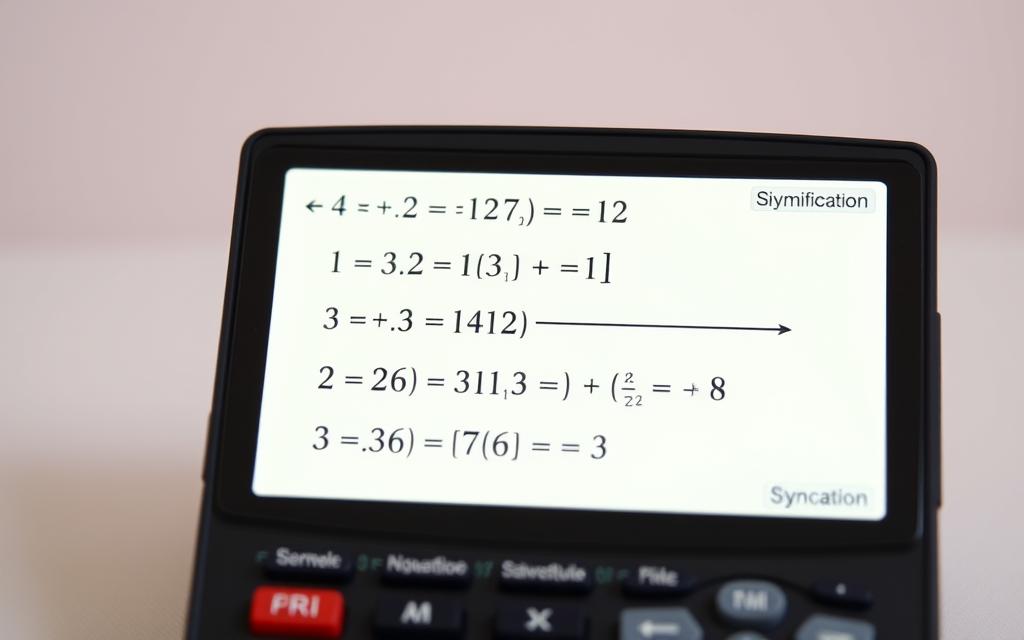
CAS calculators are great at algebraic simplification. They can expand polynomials, factor expressions, and combine like terms with great precision.
Expression Simplification Techniques
The system uses many simplification techniques at once. It can expand expressions like (x+2)² into x²+4x+4. It also factors x²-1 into (x+1)(x-1).
It automatically simplifies basic operations. For example, a+a equals 2a and a×a becomes a². Symbolic substitution is another powerful feature. Users can replace variables with complex expressions while keeping the math correct.
The system offers both exact and approximate result formats. This gives users flexibility in their mathematical representation.
Equation Solving Processes
CAS calculators are great at solving equation solving problems. They handle linear equations, polynomial equations of higher degrees, and systems of multiple equations.
The technology solves equations symbolically, giving answers in exact form. This includes fractions, radicals, and mathematical constants. It offers both analytical solutions and numerical approximations when needed.
Calculus and Advanced Operations
CAS calculators also handle advanced calculus operations. They perform complex mathematical procedures that would take a lot of manual work.
Derivatives and Integrals Handling
The calculators compute derivatives quickly and accurately. They handle partial derivatives and higher-order derivatives across multiple variables. For integration, they perform both definite and indefinite integrals, often showing the step-by-step process.
These capabilities extend to differential equations. CAS calculators can find general solutions to ordinary differential equations and specific solutions given initial conditions. They handle various types of differential equations, including separable, exact, and linear forms.
Limit and Series Computations
CAS calculators evaluate limits approaching specific values or infinity. They use advanced mathematical techniques for indeterminate forms. They compute Taylor series expansions and other series representations, providing polynomial approximations of functions around specified points.
The systems also perform function composition. They evaluate complex combinations of mathematical operations while keeping symbolic representation. This lets users work with abstract mathematical concepts, not just numbers.
Advantages of Utilising a CAS on Calculators
Using Computer Algebra Systems on calculators changes how we solve math problems. These advanced tools link theory to practice, improving both work flow and learning. They make math easier and more fun.
Efficiency Gains in Calculations
CAS calculators make math faster. They handle tough algebra, calculus, and symbolic problems quickly and accurately.
They solve complex problems on their own, cutting down on mistakes. This lets people focus on the big picture, not just the numbers. It’s a big win for calculation efficiency in many math areas.
Here are some time-saving perks:
- Quick simplification of hard expressions
- Automatic derivative and integral solving
- Symbolic equation solving without guesswork
- Less chance of mistakes with automated checks
Educational Benefits for Students
CAS tech changes math teaching by letting students dive into concepts. As one expert says, “computer algebra systems show real-world math better than old methods.”
These tools let students see math in action and test ideas right away. This helps them understand and think deeply about math. The educational advantages go beyond just doing math.
Teachers see students with CAS calculators:
- Get better at solving problems
- Feel more confident with hard math
- See abstract ideas clearly
- Focus more on reasoning than just doing math
When looking at CAS vs non-CAS calculators, the student learning benefits stand out. CAS calculators help students learn by doing, making learning more fun and effective.
This tech encourages students to explore and discover math. It’s a key tool for training the next generation of mathematicians, engineers, and scientists. CAS calculators are more than just tools; they’re essential for learning.
Notable CAS Calculator Models
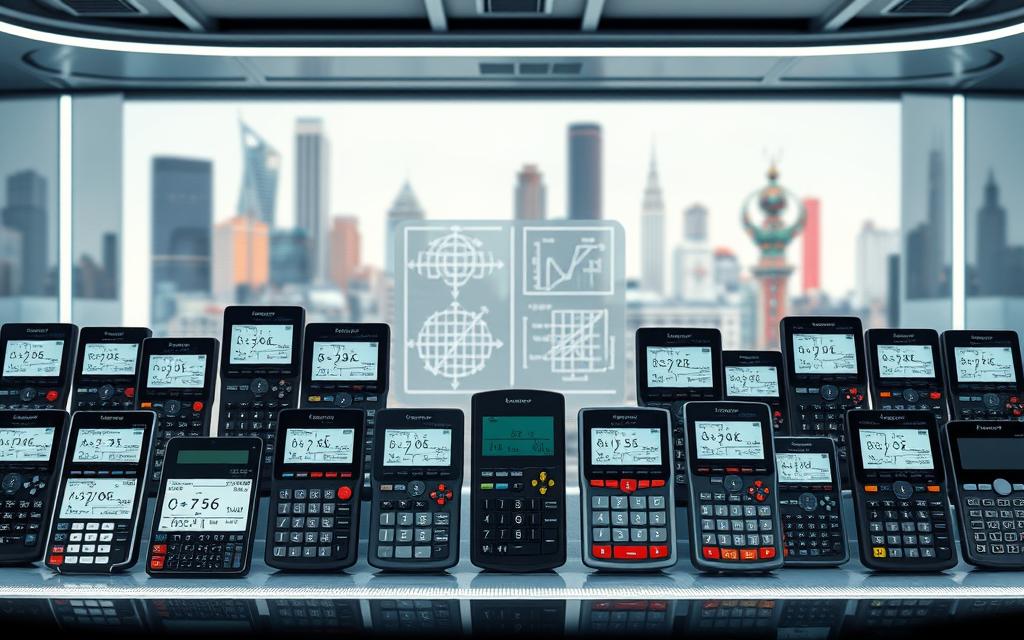
The market has many top CAS-enabled calculators, each with special features for different needs. Three models are key for students and professionals.
Texas Instruments TI-Nspire CX CAS
Texas Instruments leads in educational calculators with the TI-Nspire CAS series. The CX model has a high-resolution colour display and handles complex math.
It’s great for basic algebra to advanced calculus. Students like its easy-to-use interface and lots of educational tools.
Texas Instruments offers the TI-Nspire CX CAS, TI-Nspire CX II CAS, TI-89 Titanium, and more.
HP Prime Graphing Calculator
The HP Prime calculator stands out with its professional features and fast processing. It has a multi-touch colour screen and easy gesture controls.
It’s perfect for advanced math and engineering. Professionals love its spreadsheet and programming options.
The HP Prime also has wireless connectivity for easy sharing and collaboration. It’s built to last for daily use.
Casio ClassPad II with CAS
Casio’s ClassPad II has a touch interface for easy math operations. It uses a stylus for natural handwriting recognition.
It’s versatile for many math subjects. The large display makes graphs and equations easy to see.
It has a big function library and customizable menus. The ClassPad II supports both textbook and calculator views.
| Feature | TI-Nspire CX CAS | HP Prime Calculator | Casio ClassPad II |
|---|---|---|---|
| Display Type | Colour LCD | Multi-touch Colour | Touchscreen with Stylus |
| Primary Audience | Secondary Education | University/Professional | Mixed Educational Levels |
| Special Feature | Extensive Educational Resources | Advanced Programming Capabilities | Handwriting Recognition |
| Battery Life | Up to 2 weeks | Up to 1 week | Up to 10 days |
| Connectivity | USB and Software Link | Wireless and USB | USB and Data Transfer |
These popular CAS models offer unique benefits for solving math problems. The right choice depends on your needs and where you’re using it.
Texas Instruments focuses on classroom use, HP on advanced users, and Casio on innovative input methods.
Limitations and Practical Considerations
Computer Algebra Systems (CAS) are incredibly useful but have their limits. It’s important to know what they can and can’t do. This helps users use these tools effectively.

Computational Limitations and Errors
CAS technology has its own limits. Sometimes, it gives unexpected answers with very complex math or special operations. The algorithms used can’t solve every math problem perfectly.
These systems might find it hard with problems that need creative thinking or have unclear notation. They might give an approximate answer instead of the exact one you need.
Web-based tools like WolframAlpha have made CAS more accessible. But, even they can make mistakes in certain cases or with unusual problems.
New research with artificial neural networks could improve CAS in the future. As of 2020, these ideas are mostly in the experimental phase. They might help solve some of the current problems with CAS.
User Adaptation and Learning Requirements
Learning to use CAS calculators takes time and effort. You need to understand both the math and how the calculator works. Each model has its own way of doing things.
It takes practice to get good at using these tools. You need to learn how to input data correctly and use the right commands. Without practice, you might get confused or frustrated.
Start with simple tasks and then move on to harder ones. Many schools teach CAS in math classes to help students get used to it. Knowing how to use these tools well is important.
Remember, CAS tools are meant to help, not replace, understanding math. The best users combine calculator skills with deep math knowledge. This way, they can check their answers and understand the math behind them.
Conclusion
Computer algebra systems (CAS) have changed how we solve math problems. They go beyond simple numbers to handle complex calculations. This has made a big difference for students and professionals.
The future of using these systems looks bright, but there are hurdles to overcome. Just like how new tools replace old ones, CAS is doing the same. But, learning to use them can be hard, which slows down their adoption.
Calculator technology is set to get even better. New tech like neural networks and online systems could make CAS even more powerful. Companies like Texas Instruments, HP, and Casio are working hard to make their products easier to use.
It’s important to know what CAS can and can’t do. While they’re incredibly powerful, they shouldn’t replace understanding math. The best users know how to use technology and math together.
As CAS systems get better, they will become easier to use. This could change how we teach and do math. It might make advanced tools more available, improving education and work.

 By
By