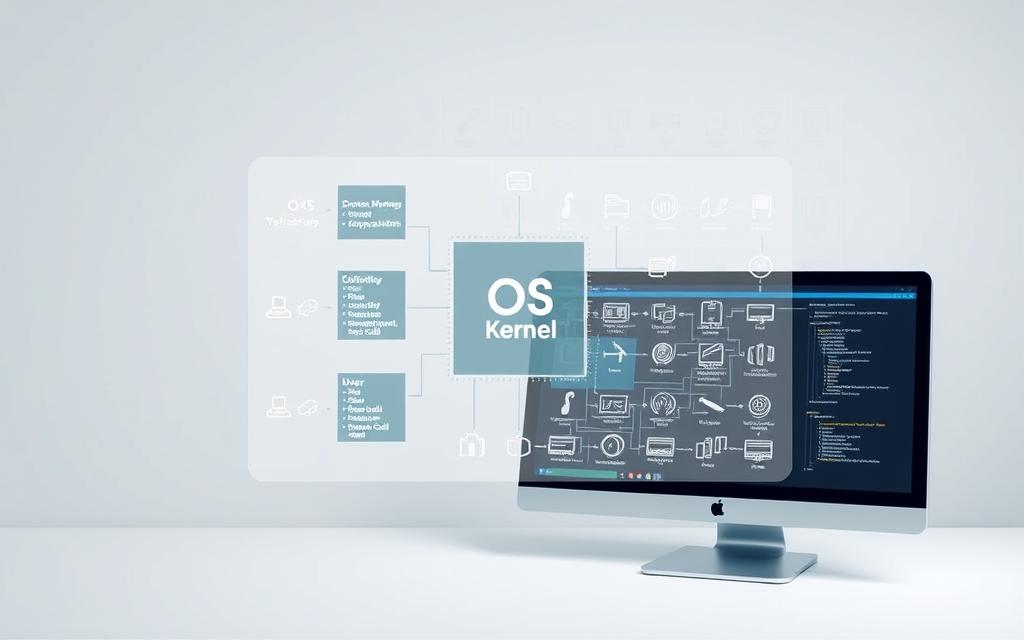

Every modern computer needs special software to connect users with hardware. This software manages everything and makes programs run smoothly.
An operating system acts as a bridge between humans and machines. It makes complex hardware easy to use with simple interfaces.
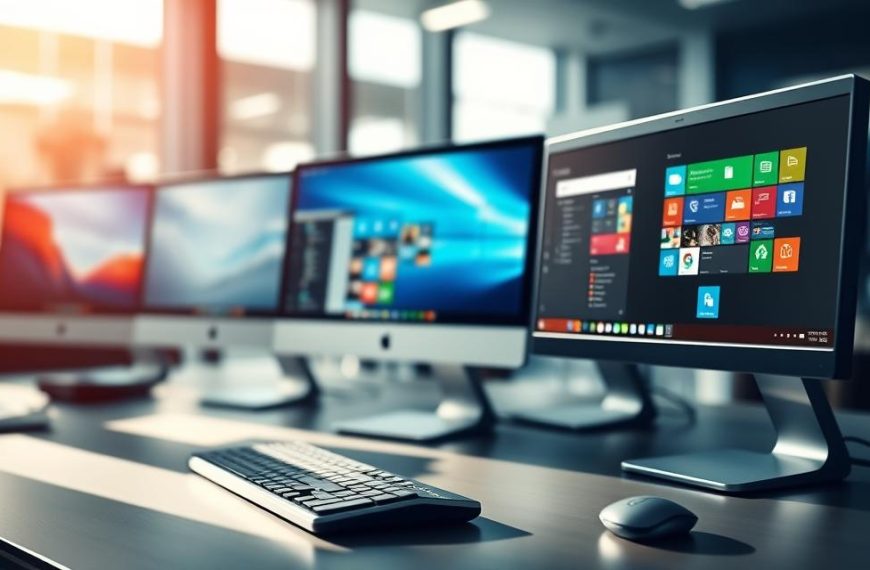
Platforms like Windows, macOS, and Linux show different ways to handle computer OS functions. They create a safe space for apps and use resources well.
The main goal is to make computing easy and fun. These system software purposes make sure we can use computers easily and get the most out of them.
Knowing how operating systems work helps us see how technology supports us every day.
Understanding the Core Functions of an Operating System
At the heart of every computing device is a key software part. It makes everything work smoothly. This part is the operating system. It has changed a lot over the years.
Defining an Operating System and Its Purpose
An operating system is like a bridge between the computer’s hardware and software. It manages the hardware and gives services to programmes.
Its main jobs are to hide the hardware’s complexity, use resources well, and give a standard way for programmes to work. This makes it easier for developers to write programmes without knowing too much about the hardware.
Today, operating systems do many important things at once. They manage memory, schedule tasks, handle files, and keep things secure. This lets many programmes run together without problems.
Historical Evolution of Operating Systems
The start of operating systems was in the late 1940s and 1950s. Back then, computers ran without an OS. Programmers used machine language, making things very hard and slow.
IBM’s OS/360, from the 1960s, was a big step. It was one of the first to let many programmes run at once. This made computers much more useful.
UNIX came from the MULTICS project. It brought ideas that are key to today’s computers. UNIX focused on being simple, portable, and for many users.
The rise of personal computers made OSs popular. MS-DOS was first, then came Windows. Windows made computers easy for everyone to use.
This computer system evolution shows how OSs have changed. They’ve kept up with new hardware and user needs. From big mainframes to small phones, the operating system history shows how far computing has come.
Resource Management and Allocation
Operating systems act as the main coordinators. They distribute computing resources among different applications and processes. This ensures that hardware works well together, improving system performance and speed.
CPU Scheduling and Time-Sharing Techniques
The CPU is the most valuable resource in any computer. CPU scheduling algorithms decide which tasks get processor time and for how long. This makes it seem like everything is happening at once.
Today’s systems use advanced methods like Round Robin scheduling. Each task gets a set time before moving to the next. Priority scheduling also exists, giving more important tasks priority.
These methods allow many applications to run together without slowing down too much. The operating system keeps an eye on tasks and changes scheduling as needed.
Memory Allocation and Management Strategies
Good memory management lets programmes use the storage they need without conflicts. The operating system watches how memory is used and allocates it as needed.
When a programme asks for memory, the system finds available space and assigns it. Memory is automatically freed when tasks finish, making room for others.
Protection mechanisms stop unauthorised memory access. Techniques to handle fragmentation keep storage efficient. The operating system uses various strategies to reduce waste and keep performance high.
Input/Output Device Coordination
I/O device coordination is key to system management. Computers connect to many devices, each needing careful handling for smooth data flow.
Device drivers translate between hardware and the operating system. They turn general commands into specific instructions for devices.
Buffering solves speed issues between fast processors and slow devices. Temporary storage holds data during transfers, preventing delays and keeping systems efficient.
Spooling systems manage devices like printers that can’t handle many requests at once. Print jobs wait in temporary storage until the device is free, letting users keep working.
Through these efforts, the operating system makes sure all hardware works together smoothly. This detailed approach to resource allocation is the basis of stable and efficient computing.
User Interface Provision and Interaction
Operating systems connect complex hardware to people through well-designed interfaces. These interfaces make technical tasks easy for everyone. This way, people of all skills can use computers well.
Graphical User Interfaces in Modern Systems
Today’s computers mostly use graphical user interfaces. These interfaces use pictures and words to help users interact. Windows, macOS, and Linux use icons, windows, and menus for easy navigation.
These GUI operating system designs make it easy to find what you need. Users can do things by touching or clicking on pictures, not by remembering commands. This has made computers easier for more people to use.
Graphical interfaces have many benefits:
- They are easier for new users to learn
- They give instant feedback when you do something
- They make it easy to use different programs in the same way
- They let you do many things at once
Command-Line Interfaces for Advanced Users
Command-line interfaces are the old way of using computers. They are used by Linux terminals, Windows PowerShell, and Unix shells. They are text-based and used for special tasks.
The CLI interface is great for precise control and automating tasks. Experts like it because it lets them write scripts and access the system directly. They can do complex tasks with just a few commands.
Command-line environments have big advantages:
- They give you more control over the system
- They use less resources because they don’t need pictures
- They are good for automating tasks with scripts
- They are useful for managing computers from a distance
Many systems today offer both graphical and command-line interfaces. This lets users pick the best way to do things. This mix makes computers easy for everyone but also keeps advanced features for experts.
Process and Task Management
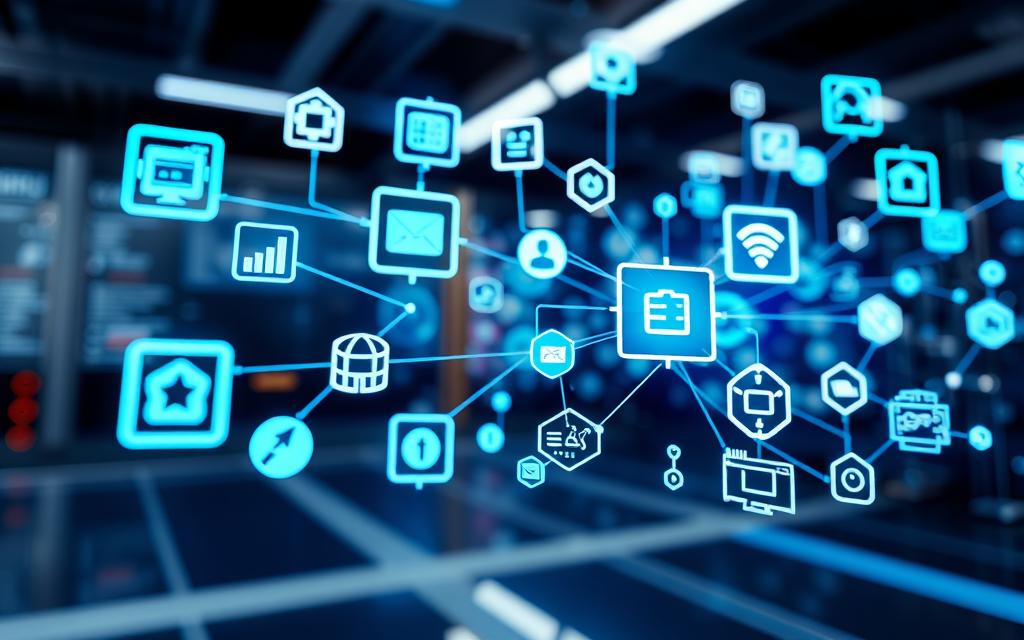
Operating systems are great at handling many programs at once. They use smart process management to make sure everything runs smoothly. This keeps the system stable and uses resources well.
Process Creation, Execution, and Termination
Every program starts as a process made by system calls. The OS gives it the resources it needs like memory and security. It watches how the process uses these resources while it’s running.
When it’s done, the process ends. The OS takes back all the resources it gave out. This stops the system from getting slower over time.
Multitasking and Context Switching Mechanisms
Today’s operating systems can handle many tasks at once. This lets lots of apps run together, sharing the computer’s time. It looks like they’re all running at the same time, thanks to quick switching.
Switching between tasks is fast. It saves the current task’s state and loads another. This makes it seem like everything is happening at once. The scheduler picks which task gets the computer’s attention next.
- Preemptive multitasking: The OS controls process switching
- Cooperative multitasking: Processes yield control voluntarily
- Real-time scheduling: For time-critical applications
Inter-Process Communication and Synchronisation
Processes sometimes need to talk to each other or work together. They use special ways to do this without getting in each other’s way. This includes sharing memory and sending messages.
Synchronisation helps processes use shared resources safely. It stops them from getting in each other’s way. Tools like semaphores and mutexes help keep data safe.
“Proper process synchronisation separates stable systems from chaotic ones. It’s the foundation of reliable computing.”
Modern operating systems have advanced ways for processes to talk to each other. They make sure data is safe, even when different users are involved. The system manages all the interactions to keep things secure.
Memory Management Techniques
Modern operating systems use advanced memory management to boost performance and keep systems stable. These techniques make sure memory is used well and keep it safe from harm. They prevent crashes and protect against unwanted access.
Virtual Memory and Paging Systems
Virtual memory is a big leap in managing computer memory. It lets systems run bigger programs than they have RAM by using disk space as extra memory. When RAM is full, the system moves unused memory to disk, making more memory available.
The paging system splits memory into blocks called pages, usually 4KB to 64KB. This fixes old memory problems. The memory management unit (MMU) makes sure apps don’t get confused about where their memory is.
Paging has many benefits:
- It uses memory well with demand paging
- It makes memory allocation easier
- It helps with memory sharing between apps
- It boosts system performance with smart swapping
Memory Protection and Access Controls
Memory protection stops apps from seeing each other’s memory. This makes systems more secure and stable. It blocks unwanted access and keeps data safe from damage.
Today’s operating systems have many protection methods:
- Hardware-based memory segmentation
- Permission bits for read, write, and execute
- Address space layout randomisation for security
- Memory isolation between kernel and user spaces
These memory protection features help create a safe place for apps to run. They ensure apps can’t mess with the system or damage data. Virtual memory and strong protection are key to reliable computing today.
File System Organisation and Data Handling
Operating systems use advanced file system management to manage digital data well. This key part helps users access and keep their files safe and organised. It works across different storage devices.

File Operations, Storage, and Retrieval
Today’s operating systems handle four main file operations:
- Create: Making new files with their own IDs
- Read: Looking at file contents without changing them
- Write: Changing or adding to files
- Delete: Taking away files and freeing up space
These actions work with both disk storage and newer solid-state drives. The system keeps track of file details like when it was made, who can access it, and where it is. This makes files easy to find and use.
Directory Structures and Disk Management
Operating systems use directory structures to sort files in a logical way. This tree-like setup makes it easy for users to find their way around. Windows uses NTFS and Linux uses ext4 for this.
Good disk management includes several key steps:
- Strategies to avoid file fragmentation
- Tracking free space with bitmaps or linked lists
- Handling bad sectors and recovering data
- Managing when files are read and written
These steps help systems run smoothly and reliably. For more technical details, check out detailed file system guides.
Modern file systems also have journaling to keep data safe during sudden shutdowns. This feature stops data from getting damaged and keeps the file system management in top shape.
Security, Protection, and Error Handling
Operating systems have strong security to keep computer resources safe. They stop unauthorised access and harmful activities. This keeps the system safe and protects user privacy and data.
Today’s operating systems use many defence layers. These work together to protect the system and user data well.
User Authentication and Authorisation Protocols
User authentication is key in OS security. It checks who you are before letting you in. This is done through different ways like passwords and biometrics.
Common ways to check who you are include:
- Password-based systems
- Biometric checks
- Multi-factor authentication
- Smart cards and tokens
After checking who you are, the system decides what you can do. Access Control Lists (ACLs) set rules for files and system resources.
This makes sure only the right people can do certain things. The system watches what you do to stop others from getting too much power.
Data Security Measures and Threat Mitigation
Data protection is also very important. It keeps information safe from outside and inside threats.
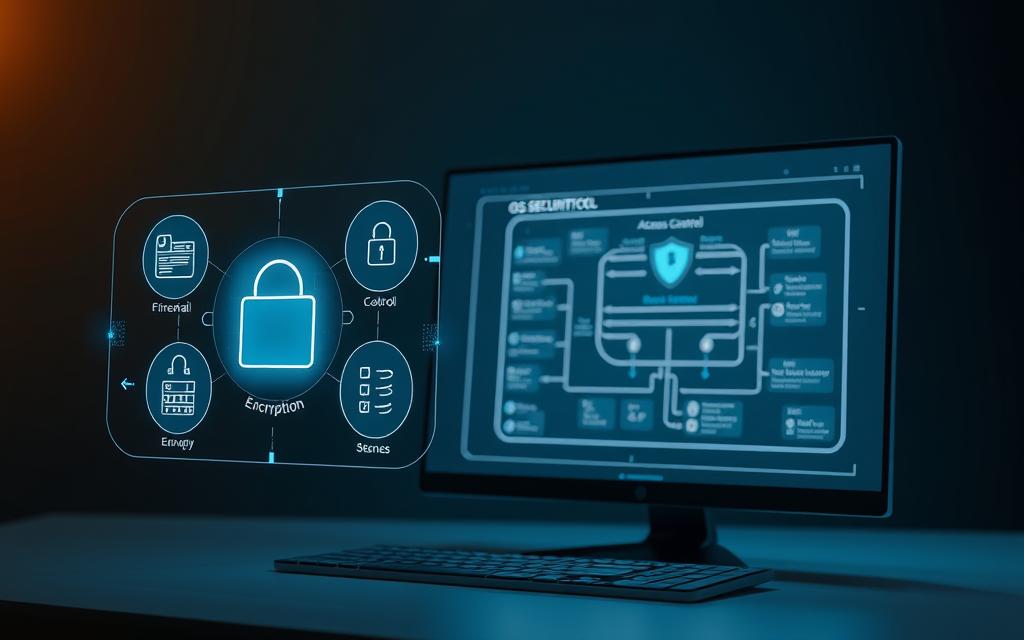
Encryption keeps data safe when it’s stored or being sent. File system permissions control who can read, write, or run files.
Antivirus and anti-malware tools find and remove threats. They look for viruses and other harmful software.
Firewalls check network traffic and block unwanted communications. Intrusion detection systems warn about security breaches and strange activities.
| Security Feature | Protection Type | Implementation Level |
|---|---|---|
| File Encryption | Data Confidentiality | File System |
| User Account Control | Access Prevention | System Kernel |
| Network Firewall | Traffic Filtering | Network Stack |
| Antivirus Integration | Malware Protection | Application Level |
| Memory Protection | Process Isolation | Hardware Level |
Error handling helps keep the system reliable. It logs errors and helps find problems.
These tools help admins find and fix security issues. Regular updates keep the system safe from new threats.
Good user authentication and strong data protection make a safe environment. This multi-layered approach keeps system resources safe from cyber threats.
Conclusion
Operating systems are key to all computing devices. They manage hardware and provide services to apps and users. This summary shows how systems like Windows, macOS, and Linux work.
They use smart algorithms to handle processors, memory, storage, and more. This makes our devices run smoothly.
Operating systems are vital in today’s digital world. They let many apps run at once without problems. They also protect against threats.
They make complex hardware easy for developers to work with. This lets them focus on creating great apps.
Operating systems do a lot for us every day. They manage resources, coordinate processes, and organize files. They also design user interfaces.
They keep getting better to meet our needs. This includes better mobility, cloud use, and security. So, computers stay powerful and useful for us all.
FAQ
What is the primary function of an operating system?
An operating system acts as a bridge between users and hardware. It manages resources like the CPU, memory, and I/O devices. It provides a stable platform for applications, simplifies complex hardware interactions, and ensures efficient and secure computing.
How does an operating system manage CPU resources?
An operating system manages CPU resources through scheduling techniques like Round Robin and Priority Scheduling. These methods ensure fair and efficient time-sharing among processes. This allows multiple applications to run smoothly and optimises overall system performance.
What are the differences between a GUI and a CLI?
A Graphical User Interface (GUI) uses visual elements like icons and windows for intuitive interaction. Examples include Windows and macOS. A Command-Line Interface (CLI), found in Linux terminals or Windows Command Prompt, offers text-based control. It is suited for advanced tasks, automation, and system administration.
How does an operating system handle memory management?
Operating systems handle memory management through techniques like allocation, deallocation, and protection mechanisms. Advanced methods include virtual memory and paging. These allow systems to run programs larger than physical RAM by swapping data to disk. They ensure processes do not interfere with each other’s memory spaces.
What role does the operating system play in file organisation?
The operating system organises and manages files through operations like creation, reading, writing, and deletion. It uses directory structures, such as hierarchical trees in systems like NTFS or ext4, for efficient storage and retrieval. It employs disk management techniques to optimise data handling and storage efficiency.
How do operating systems ensure security and error handling?
Operating systems ensure security through user authentication protocols, access control lists, and data security measures like encryption and antivirus integration. For error handling, they provide aids such as dump files and error messages to diagnose and resolve issues. This maintains system reliability and protects against unauthorised access.
What is the significance of process management in an operating system?
Process management involves the creation, execution, and termination of processes. It ensures each receives necessary resources. It includes multitasking and context switching to run multiple applications seemingly simultaneously. It employs inter-process communication and synchronisation methods, such as shared memory and semaphores, to enable cooperation and prevent conflicts.
Can you explain the historical evolution of operating systems?
Operating systems evolved from early computers without dedicated OS software to mainframe systems like OS/360. The development of UNIX and its variants paved the way for modern systems. The rise of personal computer operating systems such as MS-DOS and Windows followed. Key milestones include the introduction of multitasking, graphical interfaces, and enhanced security features.
How does an operating system coordinate input/output devices?
The operating system coordinates I/O devices through device drivers, buffering to manage speed mismatches, and spooling for devices like printers. This ensures smooth data flow and efficient hardware interaction. It abstracts complexity for both users and applications.

 By
By